The Brand Blue That Printed Purple
By Yemi Ogundairo on
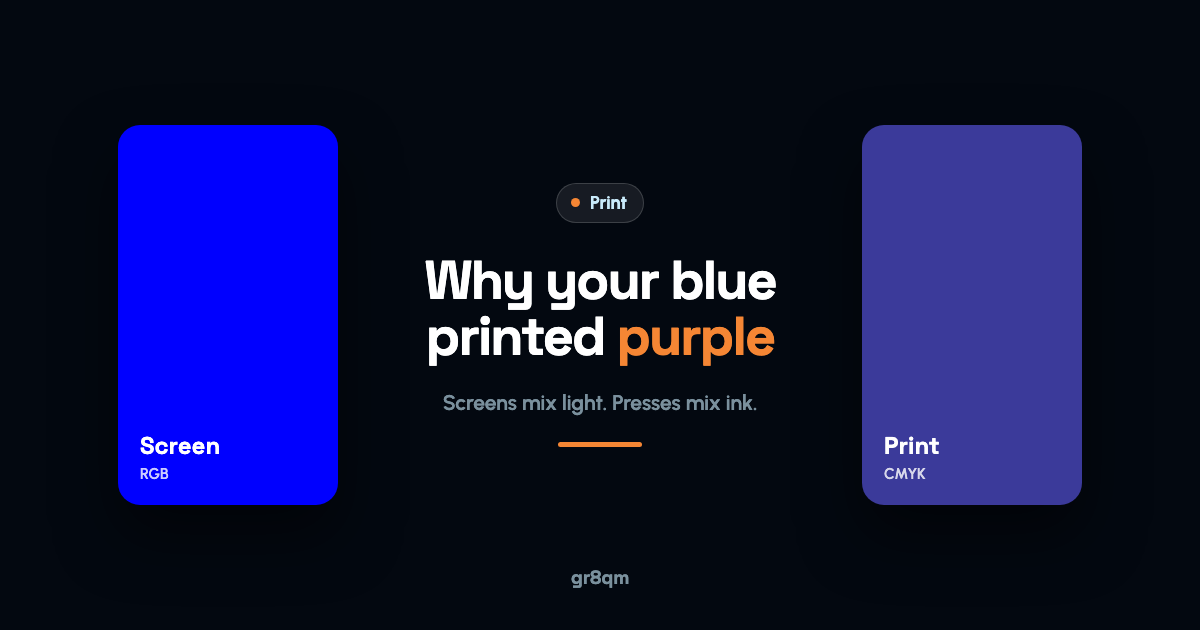
Printed colours look different from the screen because the two make colour in opposite ways. A screen adds coloured light together (RGB), and can produce very bright, saturated colours. A printing press lays cyan, magenta, yellow and black ink on paper (CMYK), and that ink cannot reach many of the brightest screen colours, especially vivid blues, greens and oranges. The paper then changes things again: coated paper keeps colour crisp, uncoated paper absorbs ink and makes it softer and darker. Your phone screen, usually turned up bright, makes the gap look bigger still.
You cannot remove that gap, but you can stop it surprising you. Here is how, starting with a story that is a composite of a very common first print order.
A thousand business cards
Tobi had just launched a consultancy and paid for a proper brand. The logo used a pure, electric blue that looked fantastic on her laptop and even better on her phone. It was the first thing people commented on.
She ordered a thousand business cards for a conference. They came back and the blue was wrong. Duller, and with an unmistakable purple cast. Next to her laptop screen it looked like a different brand.
She assumed the printer had made a mistake and went back to complain. The printer pulled up her file. It was RGB, and the blue was the most saturated blue a screen can show. Converted to ink, that blue lands somewhere purplish, because CMYK cannot match it. The press had done exactly what the file asked.
Nobody had done anything wrong. That is the frustrating part, and the useful one, because it means it is predictable.
Light versus ink
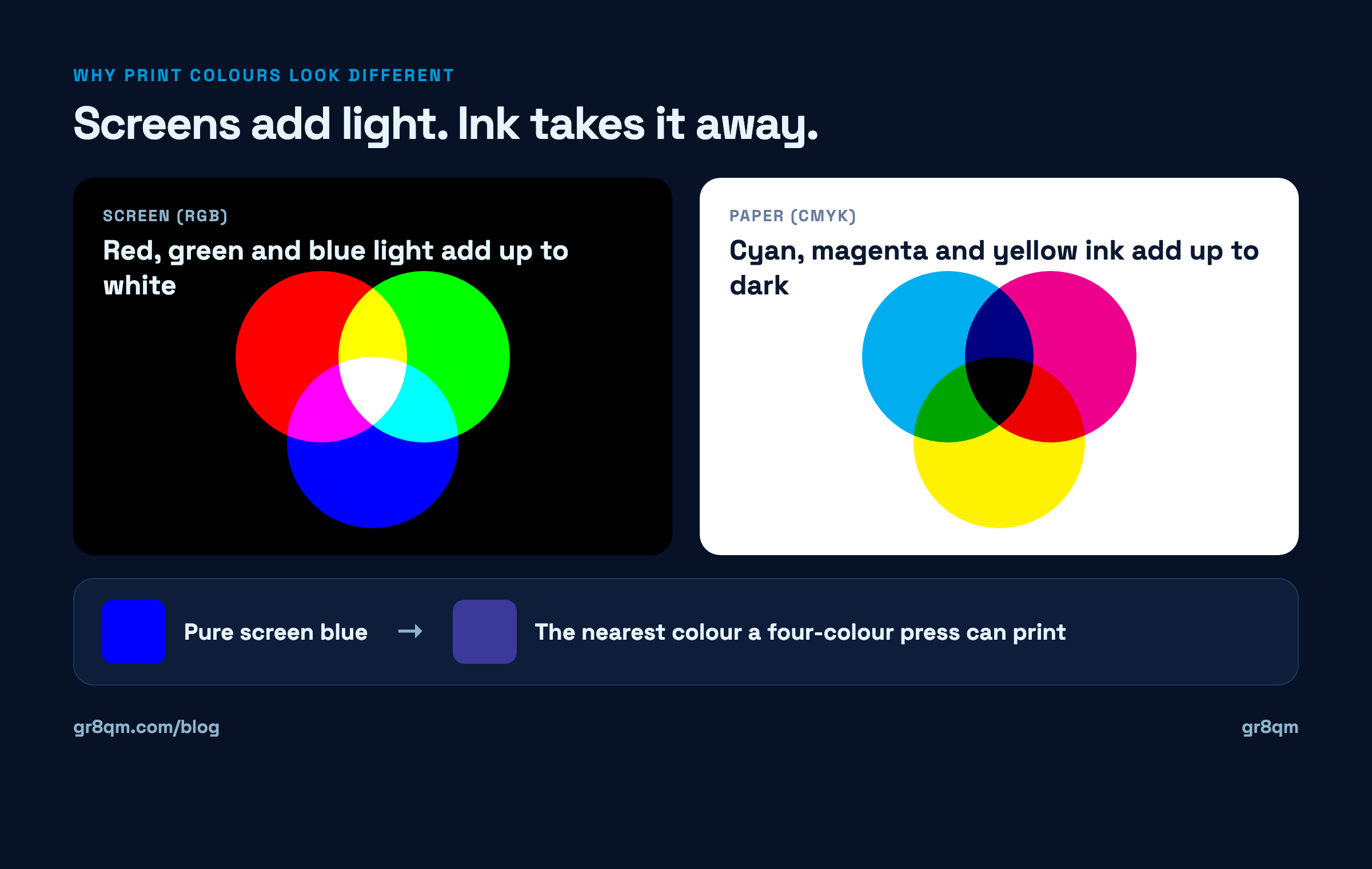
A screen starts black and adds red, green and blue light. More light, brighter colour. That is why screens can show colours that glow.
Paper starts white and ink takes light away. Cyan, magenta and yellow each absorb part of the light that would bounce off the paper, and black deepens the shadows. More ink, darker colour. Ink can never glow, so the most vivid screen colours sit outside what a four-colour press can reproduce.
When an RGB file is converted to CMYK, colours outside the ink range get pulled in to the nearest colour the press can actually make. For mid-tones and muted colours you will barely notice. For electric blues, neon greens and bright oranges, you will.
The paper changes it again
The same file on different paper gives different colour.
Coated paper, gloss or silk, holds ink on its surface. Colours stay sharper and more saturated.
Uncoated paper, the matte kind you can write on easily, soaks ink in. Colours come out softer, slightly darker and less vivid.
Off-white or cream paper tints everything warmer, because the paper colour shows through the ink.
This is why the same logo can look right on a glossy flyer and wrong on a letterhead. Neither printer made a mistake. The stock did.
Why your phone exaggerates the problem
Phones and laptops are set bright, often with vivid colour modes switched on, and they are lit from behind. A printed card in an office under fluorescent tubes or at an outdoor event in the afternoon is lit from the front by whatever light is around. Comparing the two side by side will always flatter the screen.
How to get your colour right
Design in CMYK, or convert early. Before anything goes to print, convert the file to CMYK and look at it. If your blue shifts, you see it at your desk instead of after a thousand copies. Our print-ready file checklist covers the other conversions to make at the same time.
Give your brand a print value as well as a screen value. A good brand guide lists each colour in several forms: a hex or RGB value for screens, a CMYK value for print, and often a Pantone reference. If yours has only a hex code, ask your designer to add a CMYK value chosen to look as close as possible, then test it.
Use a spot colour when the colour really matters. A Pantone spot colour is a pre-mixed ink rather than a blend of four. It can hit colours that four-colour printing cannot, and it stays consistent from run to run. It costs more and suits larger runs or brand-critical pieces, so ask your printer what they can offer.
Ask for a printed proof on the actual paper. A proof on screen tells you nothing about colour. One printed card, on the stock you have chosen, tells you everything.
Keep the printer and paper consistent. Different presses and different paper give slightly different results. If you find a combination that gets your colour right, note it down and reuse it.
What Tobi did next
She asked her designer for a CMYK version of the blue, chosen to sit as close as possible to the screen colour without the purple drift. It was slightly less electric than the screen version, and it was consistent. She tested it on two paper stocks, picked the coated one, and reordered. The cards matched her brand, which is a different and more achievable goal than matching her laptop.
Her brand guide now lists the blue three ways. Every printer she has used since has got it right first time.
If your colours have come out wrong, or you want them right before the first run, ask our print shop for a printed proof on the paper you plan to use before the full run.