Eight Months Saving for a MacBook
By Yemi Ogundairo on
Yes, you can learn UI/UX design without a new laptop. Figma, the tool most teams use, runs in a web browser, so an older laptop that runs Chrome comfortably is enough to start, provided you keep files small and close other tabs. And the first weeks of learning design barely need a laptop at all: the core skills are noticing problems, talking to people, sketching and explaining your choices, which a phone, a notebook and a pen cover well.
The new laptop matters later than most people think. Waiting for it is usually the expensive part, and the story below, a composite, shows why.
The savings plan that became the plan
Chiamaka decided in January that she wanted to move into product design. She worked in customer service, she was the one colleagues asked when an app confused them, and she had watched enough videos to know this was a real job.
She also decided she needed a MacBook first. Every designer in every video had one. She opened a savings plan, worked out it would take eight months, and told herself she would start properly in September.
In September the price had moved, so it took longer. By the time she had the laptop she had not designed anything, and the gap between her and the people who started in January was not a laptop. It was eight months of practice.
What design actually is in the first months
Most beginners imagine learning design means learning a tool. The tool is the small part. What separates a designer from someone who can use Figma is judgement: seeing what is confusing, working out why, and choosing what to change.
You build that judgement with things you already have.
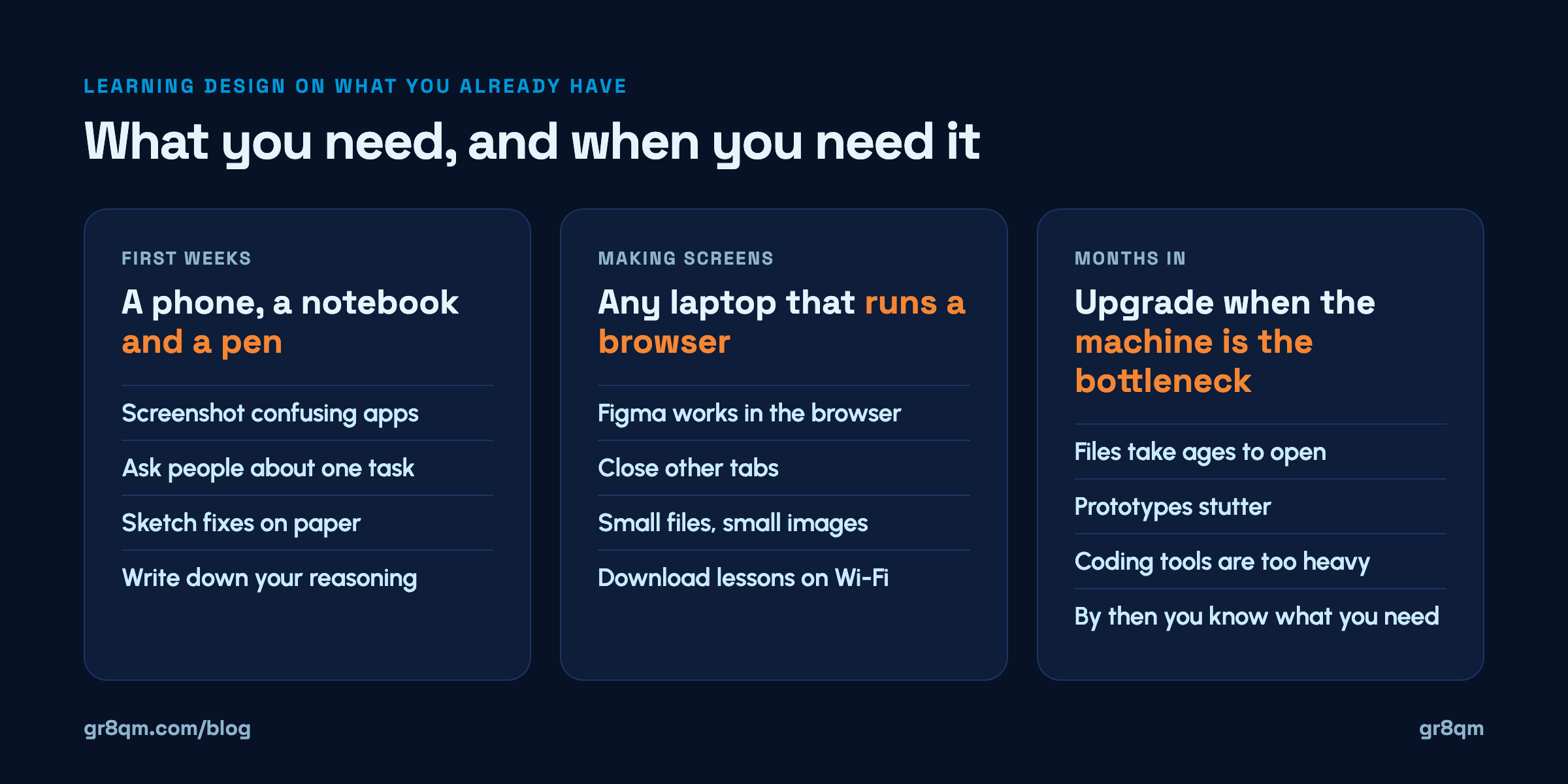
Study the apps on your phone. Your bank app, a ride-hailing app, a food delivery app. Take screenshots of moments that confuse you or work unusually well, and write one line on why. Do ten a week.
Talk to people about one problem. Ask five people how they pay their electricity bill, or book a bus ticket, and what annoys them. Write down what they say in their words.
Sketch on paper. Rough boxes and arrows, many versions, fast. Professional designers still do this, because paper is quicker than any tool for throwing ideas away.
Write your reasoning. A paragraph explaining why you would move one button is more design practice than an hour of pushing rectangles around.
All of that runs on a phone, a ₦500 notebook and a pen. By the time you open a design tool, you will have something to put in it.
When you do need a computer
Eventually you need to make screens, and that needs a laptop or desktop. Not a new one.
Figma works in the browser, has a free plan, and has an education plan for verified students. That makes the browser and a decent internet connection more important than raw machine power. Some practical habits help an older machine cope:
Close everything else. Browsers with twenty tabs are often what slows a design file, not the design.
Keep files small. One file per project, a few pages each, rather than everything in one enormous file.
Use smaller images. Drop in images at the size they appear on screen, not straight from a camera.
Restart the browser now and then. Long sessions build up memory use.
A school laptop, a family desktop, a friend's machine for two evenings a week, a co-working space or a training hub's computers all work. The first portfolio project does not care what it was made on.
Data is the real cost
For many learners in Nigeria the bigger constraint is not the laptop but the data. Design tools and video lessons both eat it.
Plan around it. Download lessons on Wi-Fi when you can and watch them offline. Work in focused blocks rather than leaving a design file open all day. Use the phone and paper stages, which use no data at all, for most of your thinking, and open the tool when you know what you want to make.
When it is worth upgrading
Upgrade when the machine is genuinely the thing stopping you, and you will know because you will be doing real work when it happens. Files take too long to open. Prototypes stutter. You start building with code and the tools are too heavy.
That point is usually months in, at which stage you will also know what you actually need, which might not be the most expensive option. Plenty of working designers use mid-range Windows laptops. The laptop is a tool for the skill, not a ticket into it.
Start this week
Screenshot five confusing moments in apps you use and write one line on each.
Ask three people how they do one everyday task, and write down their exact words.
Sketch three different ways to fix one of those problems, on paper.
If you have any machine with a browser, open Figma and redraw your best sketch.
That is a week of real design practice with whatever you already own.
If you want structure around it, our roadmap for switching into tech in Nigeria lays out the order, and bootcamp versus self-learning helps you choose a route. Our current programmes are on the trainings page.